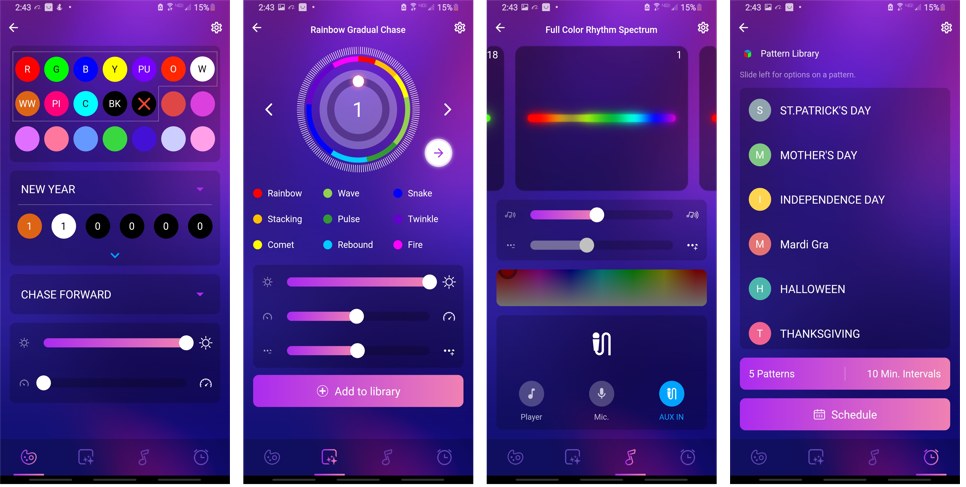
For every lighting system we offer, there is an app to control it. Based on the type of lighting you have, it will determine which of the 3 different apps you need.
- If you have Permanent Holiday Lighting, Cage Beam Lighting, Soffit Down Lighting, and/or SMART String Lights → use the Trimlight App (version 1 or 2)
- If you have Sconce Lights, Up/Down Lights, or color-controlled Landscape Lights → use the MI Lights App
- If you have basic white or RGB String Lights → use the XMCosy App
If you're unsure which app you need, call us at (407) 615-4418 and we'll be happy to help.
Trimlight Select App (Version 1)
If you have an older installation (prior to January 1, 2022), you'll want to use the Trimlight Select app. If you're unsure which version you have, open your app — if it has a white background, it's version 1. Your controller will be white in color.
FYI — Version 1 Users
You can continue using your Version 1 controller for many years to come. However, if you'd like to upgrade to the Trimlight EDGE controller with its enhanced features, reach out to us and we can discuss an upgrade.
// Trimlight App
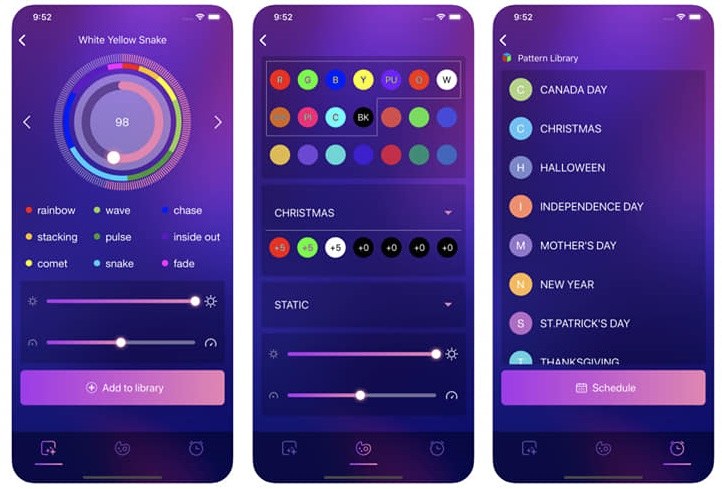
Trimlight EDGE App (Version 2)
If you have a newer system (after January 1, 2022), you'll use the Trimlight EDGE app. If your app has a black background, you have the newest controller available.
Our newest app features a solid Wi-Fi connection, is cloud-based, goes to the beat of music, connects to Alexa or Google Home, has new pre-built effects, a 5-scene loop-play feature, zone programming, the ability to save up to 60 scenes, and much more.
// Trimlight EDGE App